Preferences FAQs
Preferences FAQs
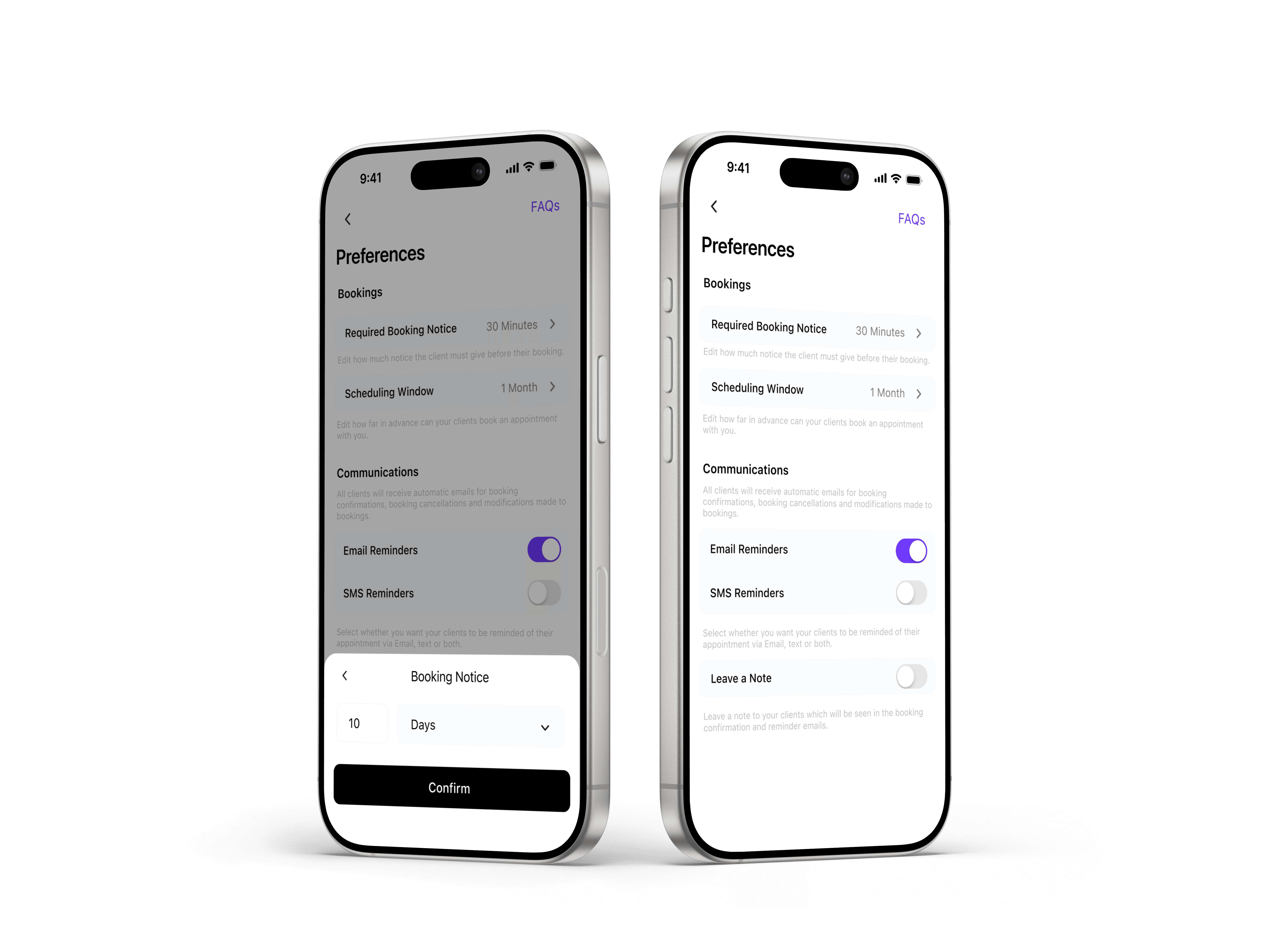
Booking preferences allow you to control how and when clients can schedule appointments with you. From setting required booking notice to defining your scheduling window and reminder preferences, these settings help you manage your availability, reduce last-minute bookings, and keep your schedule running smoothly.
Booking preferences allow you to control how and when clients can schedule appointments with you. From setting required booking notice to defining your scheduling window and reminder preferences, these settings help you manage your availability, reduce last-minute bookings, and keep your schedule running smoothly.
What is required booking notice?
Required booking notice determines how much advance notice a client must give before booking an appointment. For example, setting a 2-hour notice prevents clients from booking appointments that begin within the next two hours.
What is the scheduling window?
The scheduling window controls how far in advance clients can book appointments. For example, a 1-month scheduling window allows clients to book any available time within the next 30 days, while preventing bookings too far into the future.
Can I control booking reminders for clients?
Yes. You can enable or disable email and SMS reminders to automatically notify clients about upcoming appointments. Reminders help reduce no-shows and ensure clients arrive prepared for their booking.
What is required booking notice?
Required booking notice determines how much advance notice a client must give before booking an appointment. For example, setting a 2-hour notice prevents clients from booking appointments that begin within the next two hours.
What is the scheduling window?
The scheduling window controls how far in advance clients can book appointments. For example, a 1-month scheduling window allows clients to book any available time within the next 30 days, while preventing bookings too far into the future.
Can I control booking reminders for clients?
Yes. You can enable or disable email and SMS reminders to automatically notify clients about upcoming appointments. Reminders help reduce no-shows and ensure clients arrive prepared for their booking.