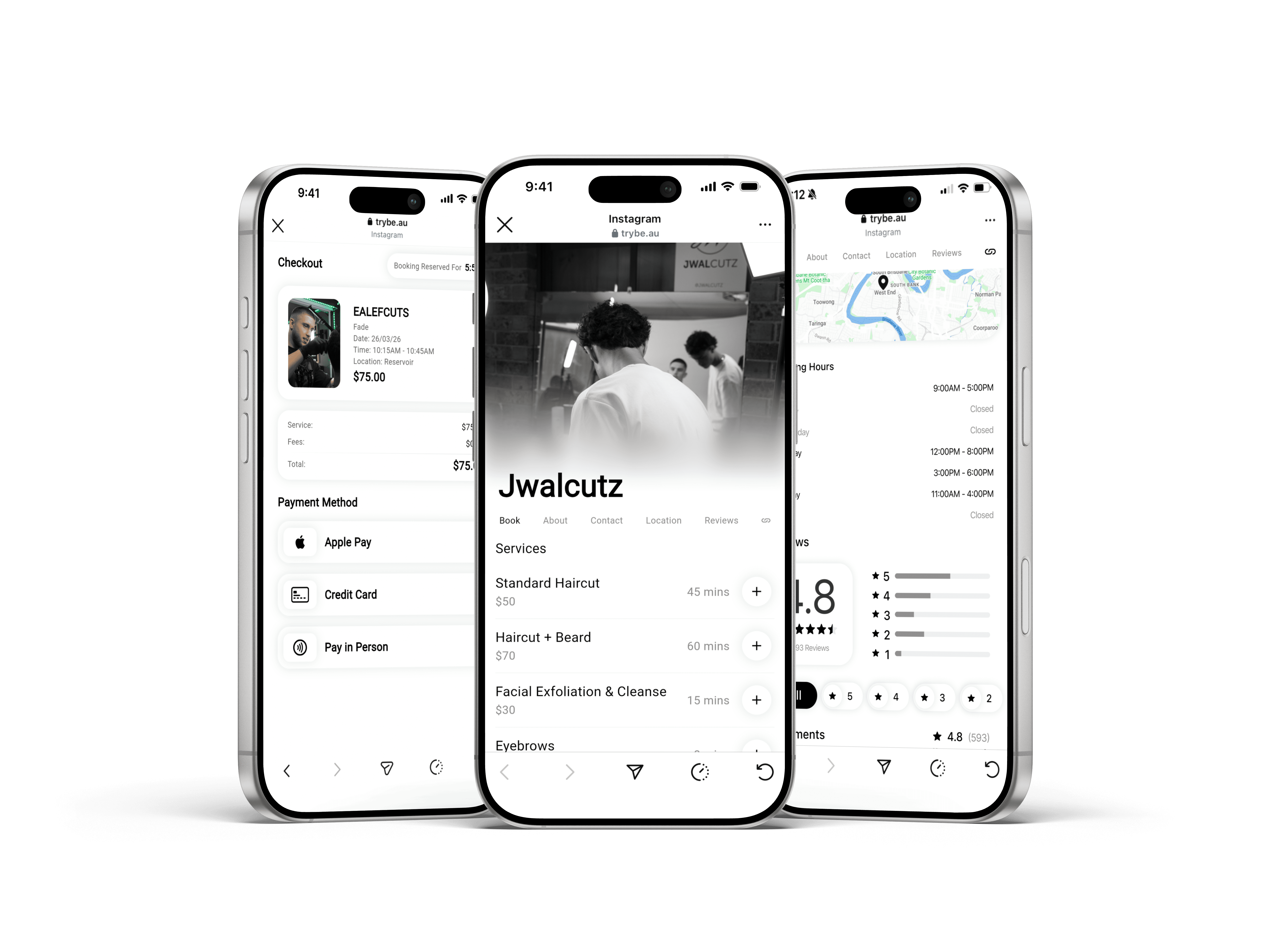
Simple Web Booking

Simple Web Booking

Clients can book appointments in under 30 seconds using a simple web booking link. There’s no need to download an app - just tap the link, choose a time, and confirm the booking in seconds.


Clients can book appointments in under 30 seconds using a simple web booking link. There’s no need to download an app - just tap the link, choose a time, and confirm the booking in seconds.


Can I hide my location until a client has booked?

Yes. You can choose to hide your exact location and only reveal it to clients once their booking is confirmed.

Can I clearly show my opening hours to clients?

Absolutely. Your opening hours are displayed clearly during the booking process so clients know exactly when you’re available.

What information can clients see before booking?

Clients can view your services, pricing, availability, and opening hours before booking, with location details shown based on your preferences.

How do I take a payment with Quick Checkout?

Open Quick Checkout by pressing the Trybe logo in your app, enter the amount, and let your client tap their card or phone to pay. Payments are completed in seconds using Tap to Pay on iPhone or manual entry, making it ideal for fast checkouts without interrupting your workflow.

How are payments processed?

All payments are processed securely through Stripe Connect and paid directly into your connected bank account. Trybe never holds your funds, and you can track payments clearly through your Stripe dashboard.

Can I use this for walk-ins or add-ons?

Yes. Quick Checkout is built for fast, flexible payments like walk-ins, late add-ons, or deposits.